Dontae Kerr
Colour theme
dontaekerr25@gmail.com

Work01

Brampton Civic Signal

An independent guide to Brampton's 2026 municipal election.

Brampton votes on October 26, 2026. What is on a resident's ballot depends on their ward and their school board, and the official answers sit across City, Region and school board pages. The guide puts them in one place without telling anyone how to vote.

What it is
An independent guide to Brampton's 2026 municipal election.
My part
Product rules, design direction, review of every build
Built with
Astro, TypeScript, AI coding agents
Status
Live at bramptoncivic.ca
Year
2026

Decisions, marked on the work

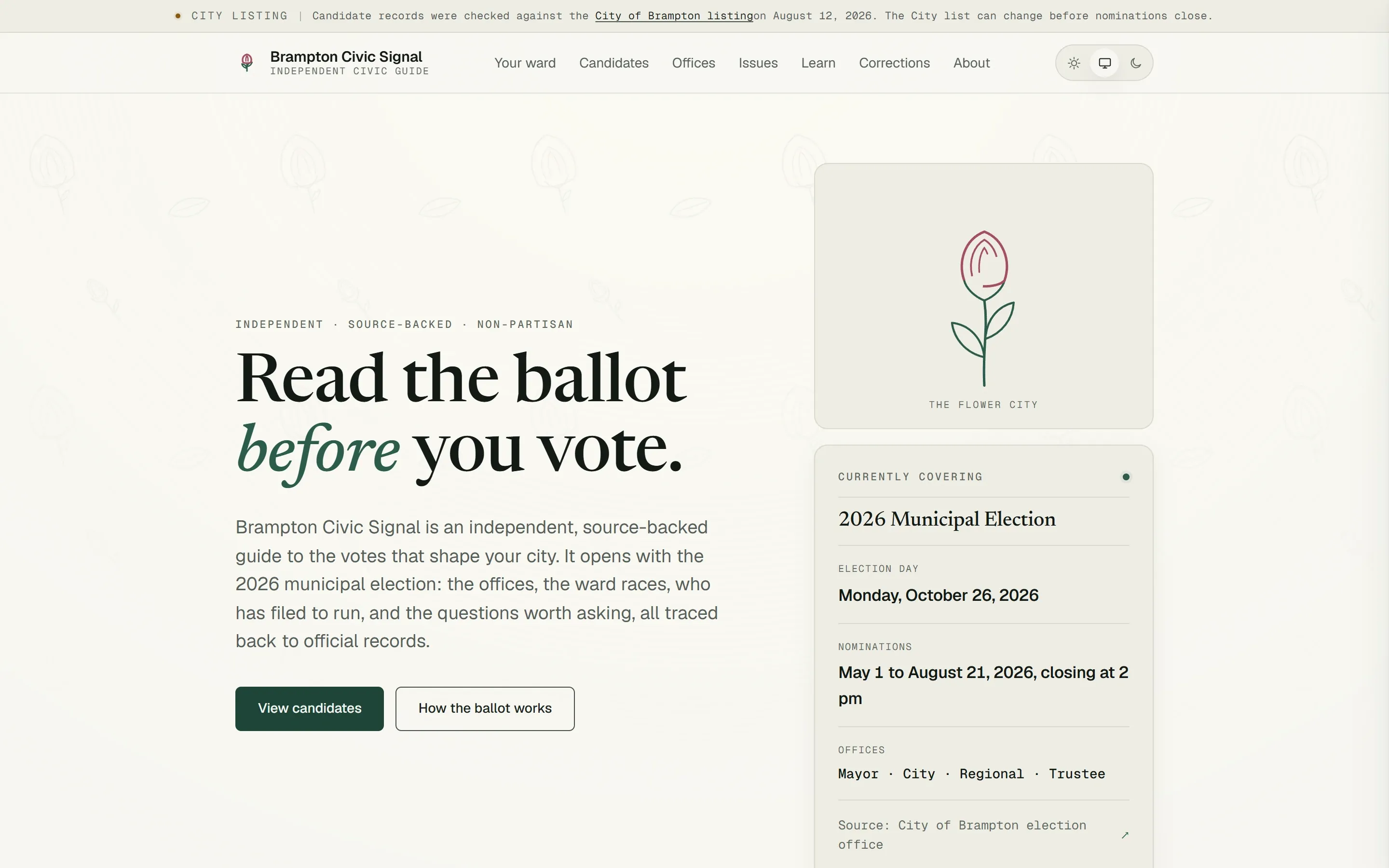
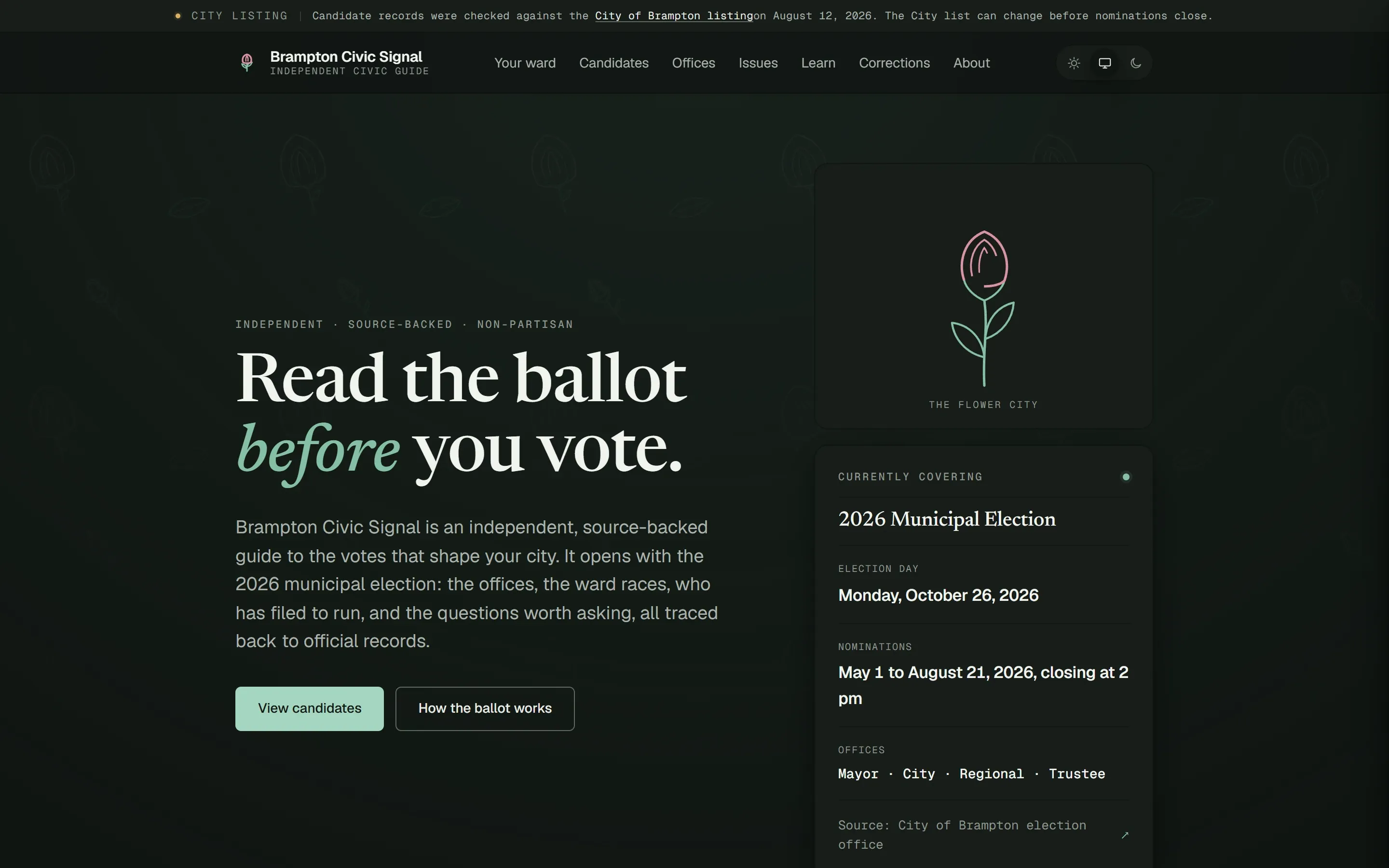
Brampton Civic Signal home page: the headline "Read the ballot before you vote", a dated note that candidate records were checked against the City of Brampton listing, and a card with election day and nomination dates. Brampton Civic Signal home page: the headline "Read the ballot before you vote", a dated note that candidate records were checked against the City of Brampton listing, and a card with election day and nomination dates.
Marked decisions on this frame: 1, 2, 3.
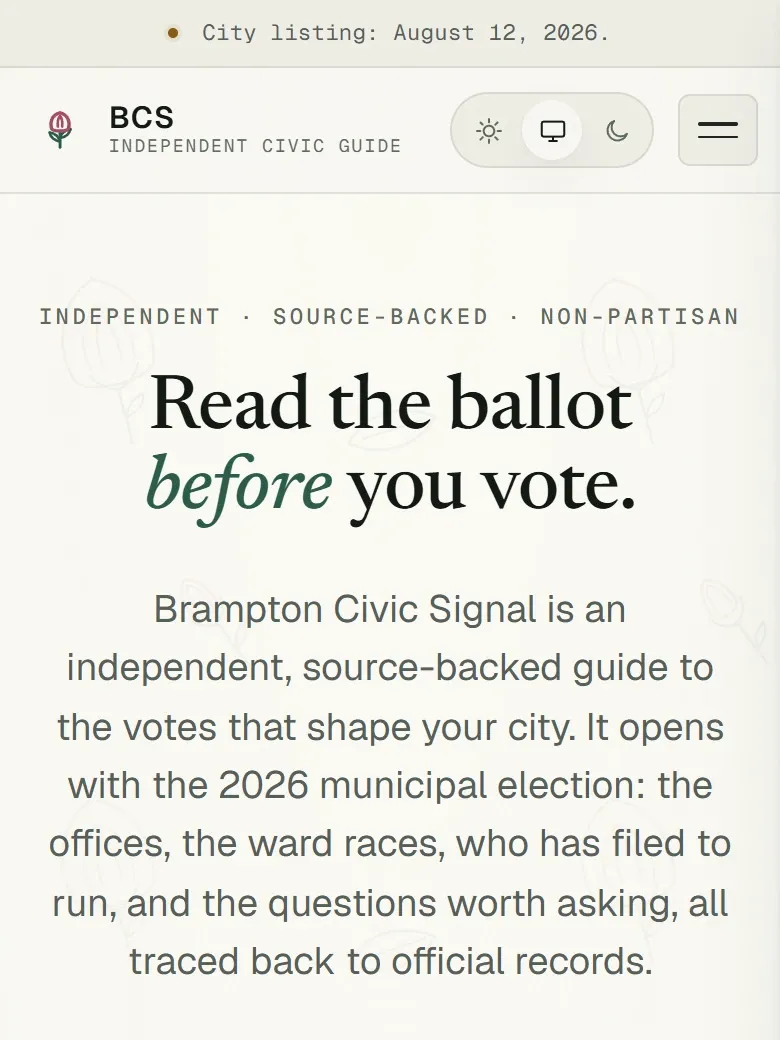
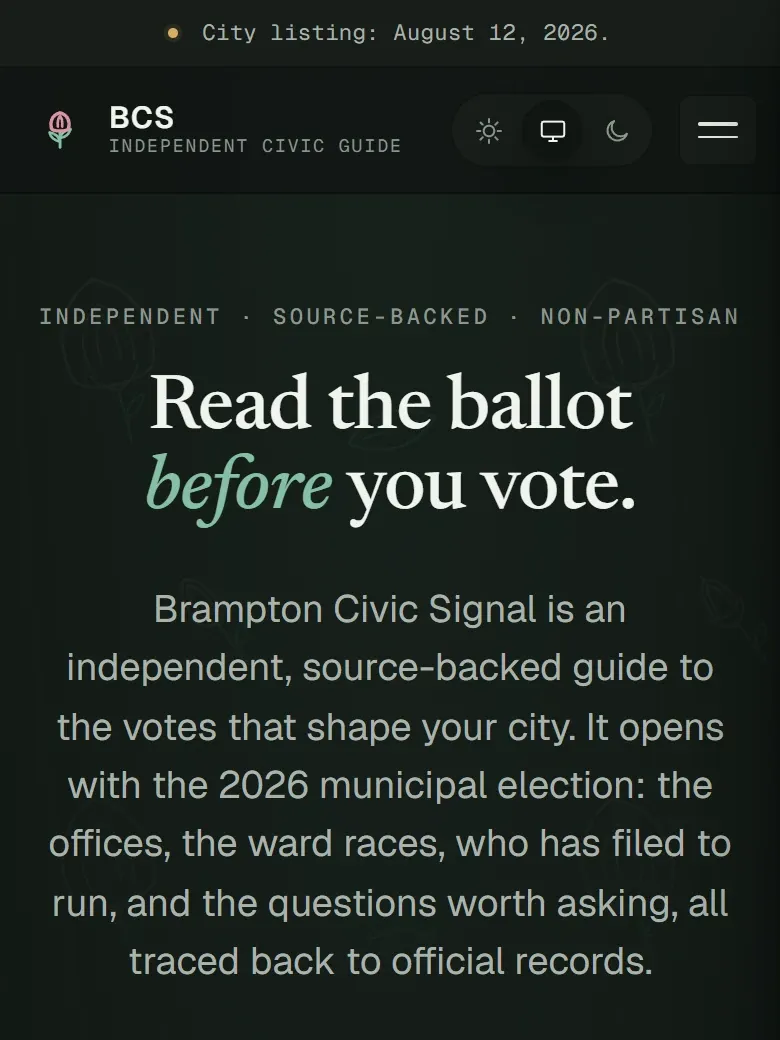
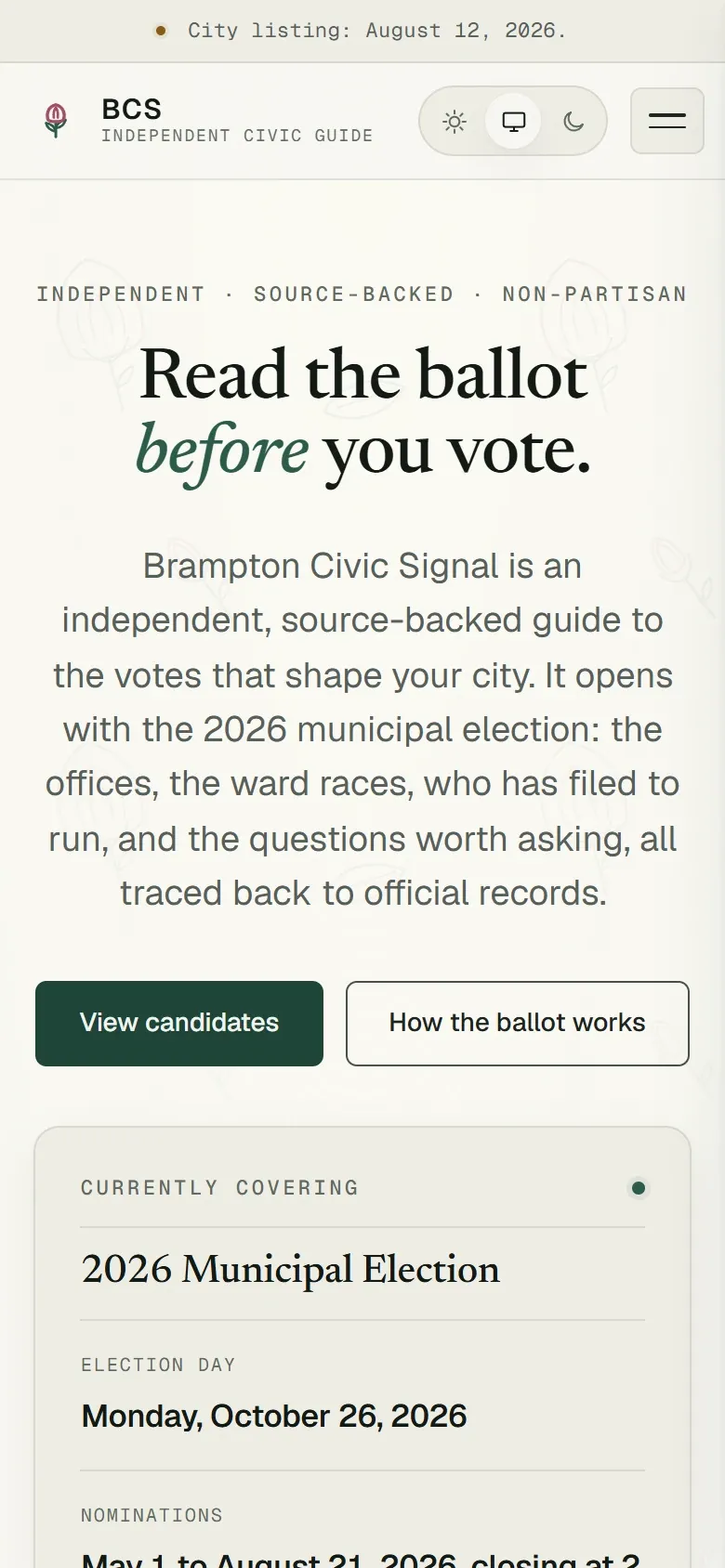
Brampton Civic Signal on a phone: a dated city listing note above the headline "Read the ballot before you vote". Brampton Civic Signal on a phone: a dated city listing note above the headline "Read the ballot before you vote".
Marked decisions on this frame: 1, 2.
  1. Mark 1: Every fact carries a receipt

    Each claim names the official page it came from and the date it was checked. If a fact can't be sourced, it doesn't appear. The note across the top applies the same rule to the whole candidate list.

  2. Mark 2: Equal treatment, built in

    Every candidate gets the same fields, the same layout and the same default sort. No photos, biographies, rankings or scores, and no opinions written by AI.

  3. Mark 3: Quote the City, then link it

    Dates and rules are quoted from the official page as written, with the source one tap away, so a resident can check the guide against the City in seconds.
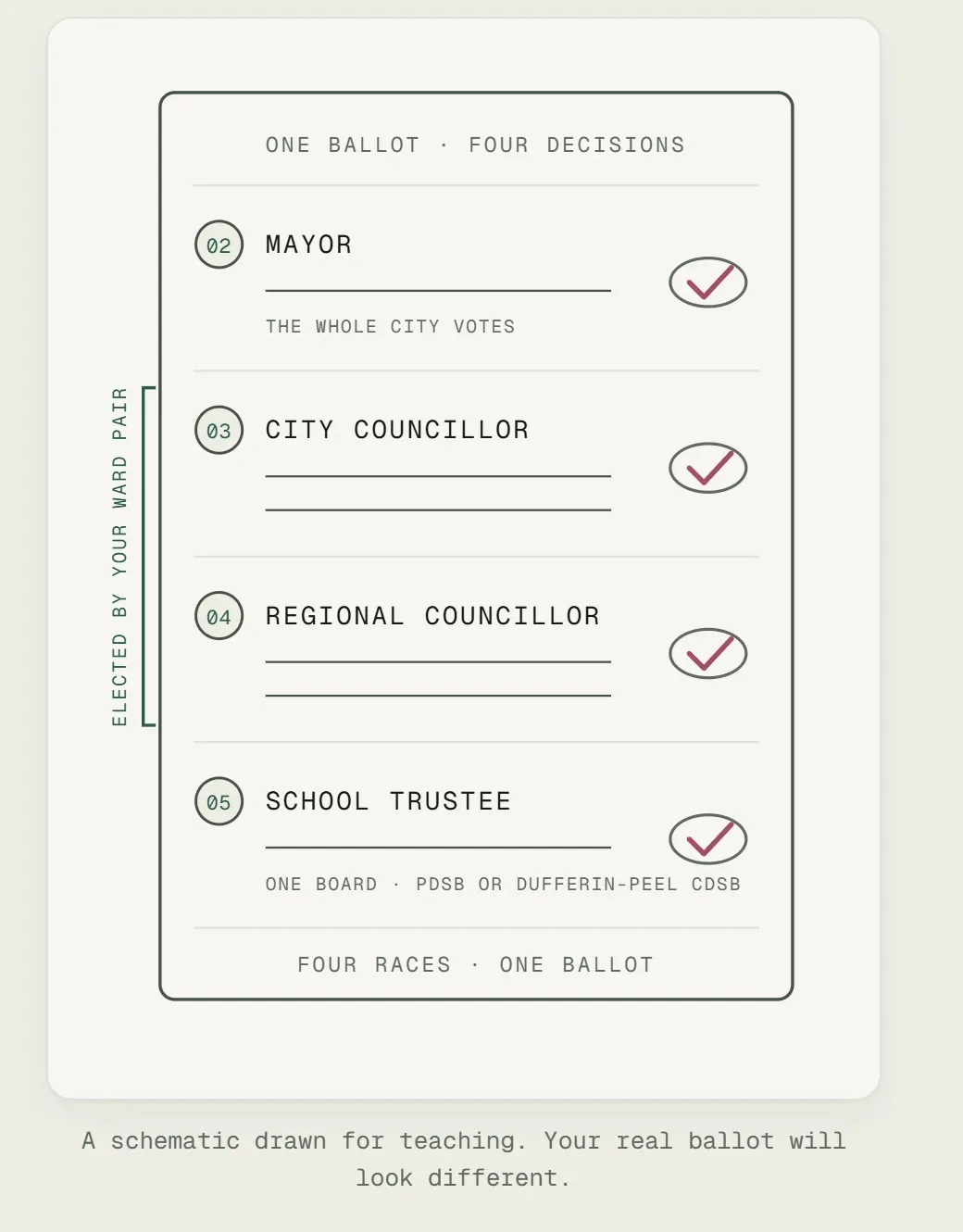
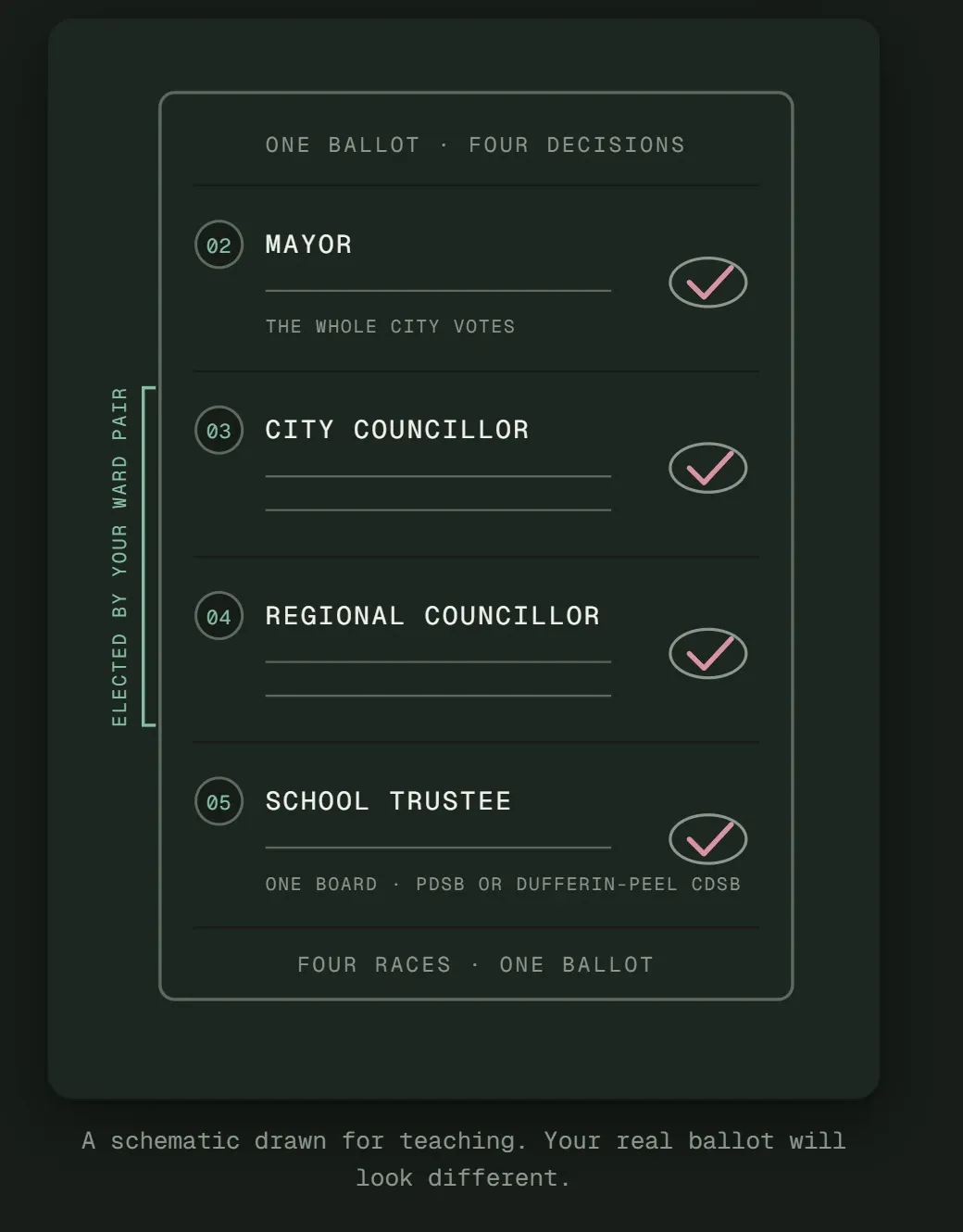
A schematic ballot from the Learn page with four races: Mayor, City Councillor, Regional Councillor and School Trustee. A bracket labelled "Elected by your ward pair" spans the two councillor races. The caption reads "A schematic drawn for teaching. Your real ballot will look different." A schematic ballot from the Learn page with four races: Mayor, City Councillor, Regional Councillor and School Trustee. A bracket labelled "Elected by your ward pair" spans the two councillor races. The caption reads "A schematic drawn for teaching. Your real ballot will look different."
Marked decisions on this frame: 4, 5.
  1. Mark 4: Teach the ballot as a drawing

    The Learn page walks through the four races on a Brampton ballot one at a time. The bracket shows the two races a ward pair decides together, which is where most people get confused.

  2. Mark 5: Keep the diagram honest

    The caption says the real ballot will look different, so nobody mistakes a teaching diagram for the official form.

Left out on purpose

  • A candidate-match quiz
  • AI-written candidate summaries
  • Rankings and scores
  • Comments
  • Asking for a home address
  • Analytics and tracking

More frames

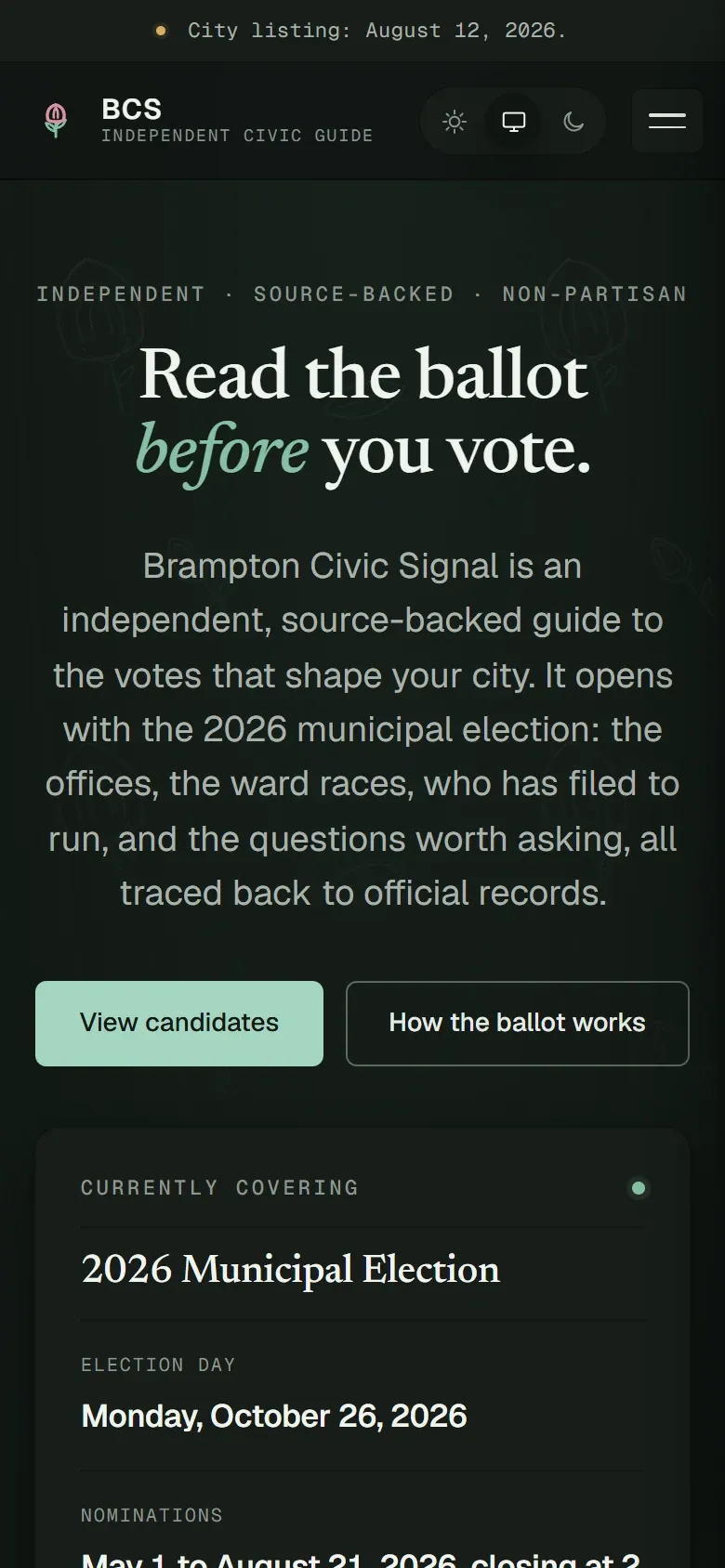
Brampton Civic Signal home page on a phone, with the election day and nomination dates card. Brampton Civic Signal home page on a phone, with the election day and nomination dates card.
Home, on a phone
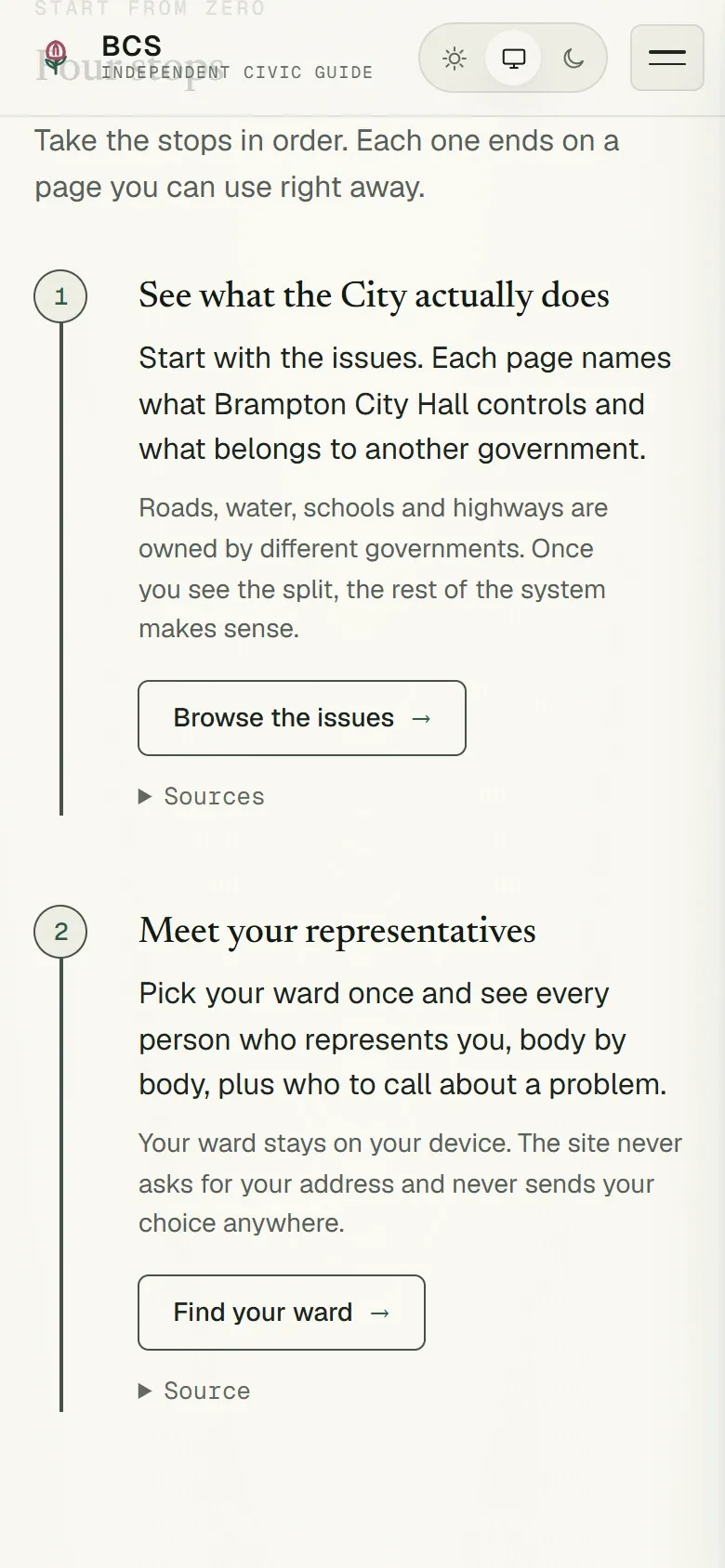
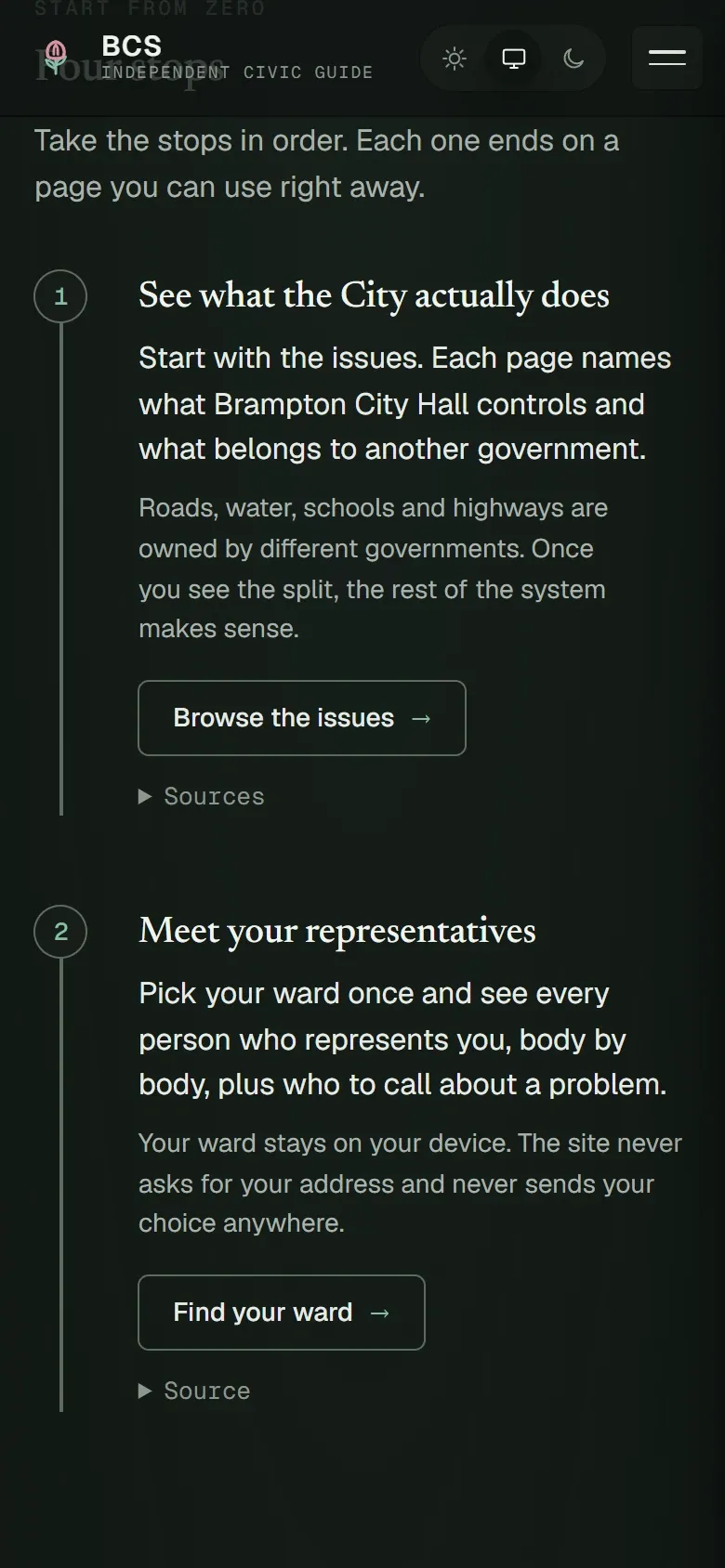
The Learn page on a phone: a route of four numbered stops, starting with "See what the City actually does". The Learn page on a phone: a route of four numbered stops, starting with "See what the City actually does".
Learn, four stops

What I did

  • Set the rules for what the guide may publish and how it treats candidates
  • Directed the design and reviewed every build at phone and desktop size
  • Approved each release before it went live